
Move from digital color to an orderable match.
Enter a color value, sample a photograph, or pick anywhere on Mac. Compare the target against bundled manufacturer libraries, then keep the chosen brand, code, color family, and sheen with the project.
 PaintHex
 PaintHex
Available on Mac · iPhone companion in development
PaintHex turns digital color references into commercial matches, Rosco formulas, quantity estimates, inventory records, and production-ready paint sheets.
From design desk to paint deck
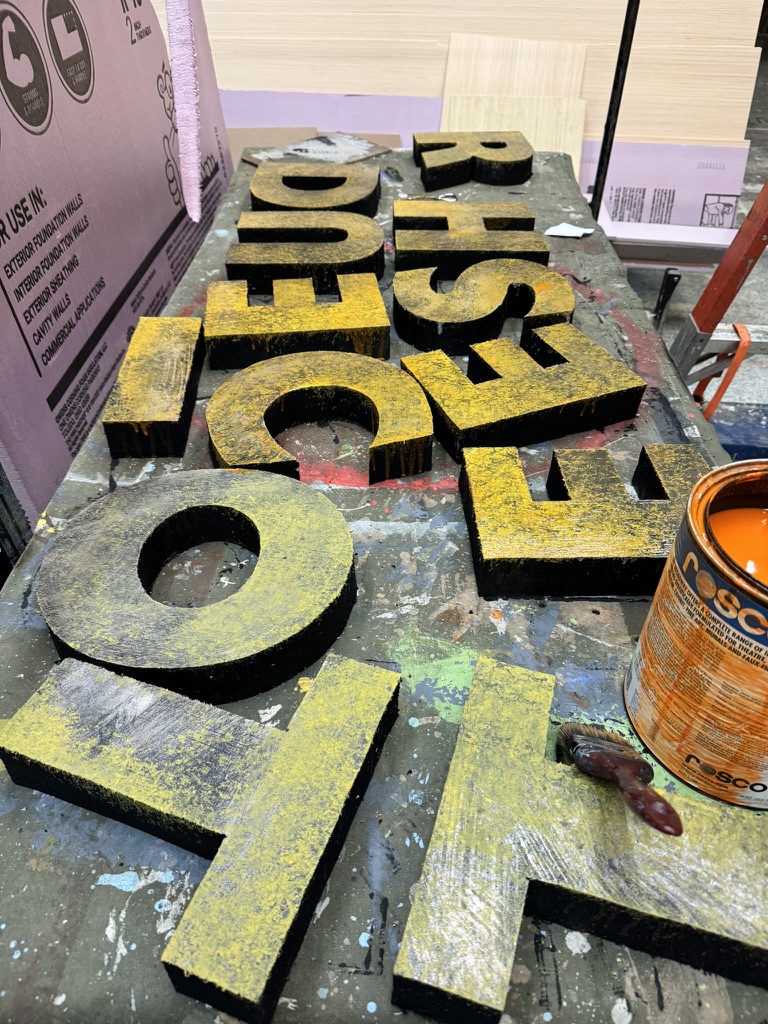
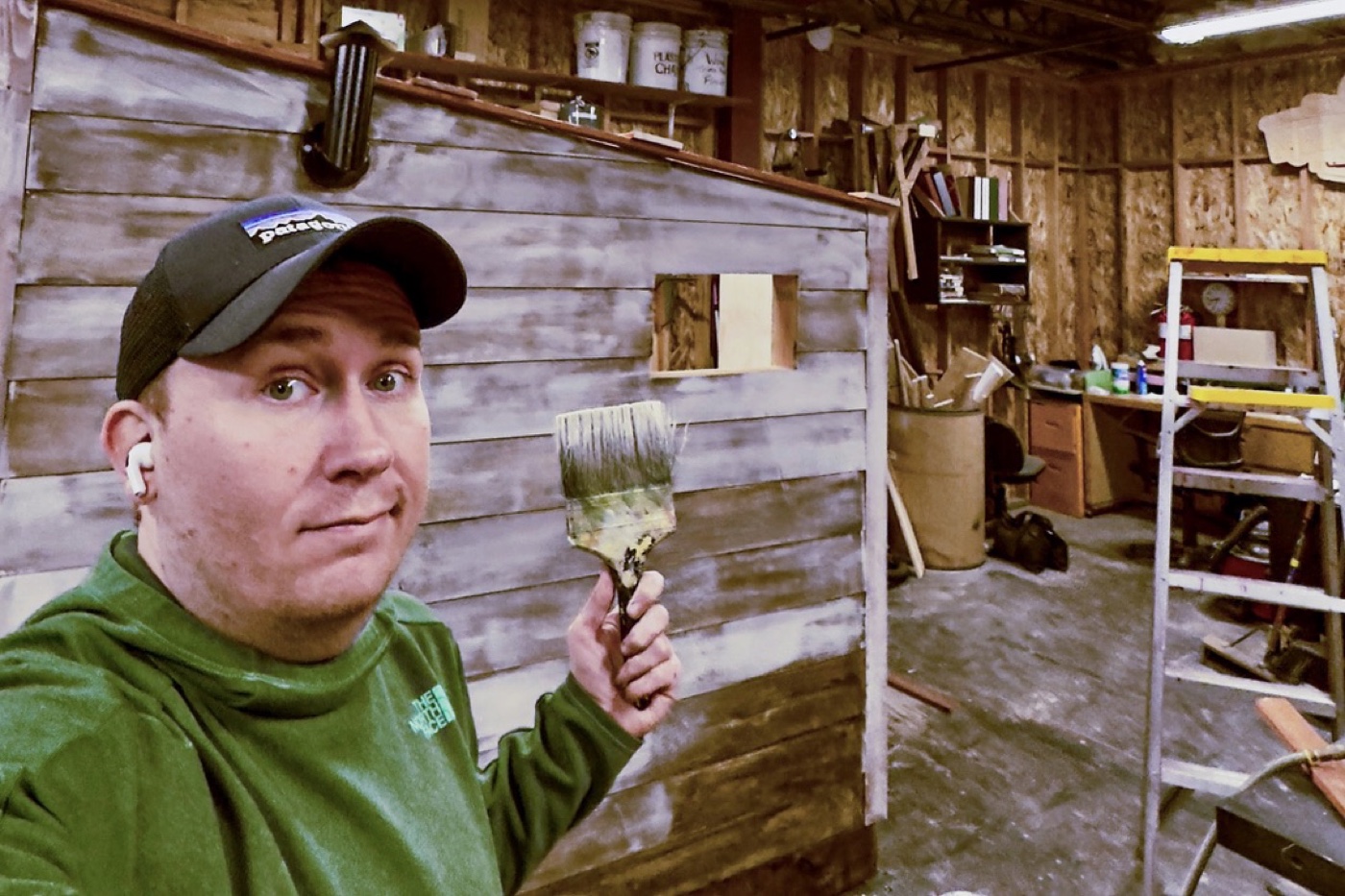
A rendering may begin with pixels, but the finished surface depends on a specific product, formula, quantity, sheen, and label. PaintHex carries those decisions through one project so designers, charge artists, and buyers work from the same plan.
Built for scenic production, it keeps creative intent connected to the practical information required to put paint on a wall.
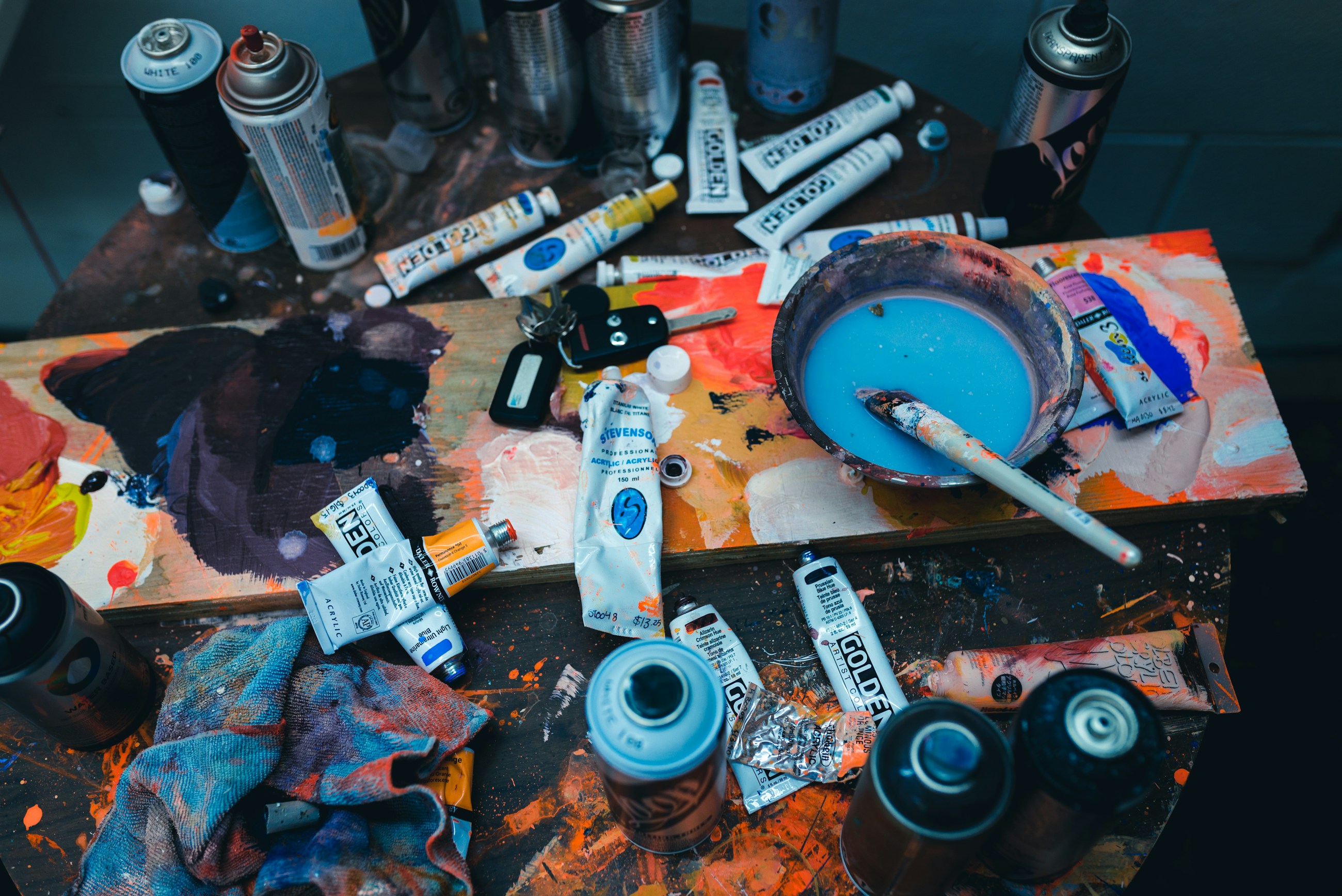
Two paint workflows. One project.
Enter a color value, sample a photograph, or pick anywhere on Mac. Compare the target against bundled manufacturer libraries, then keep the chosen brand, code, color family, and sheen with the project.
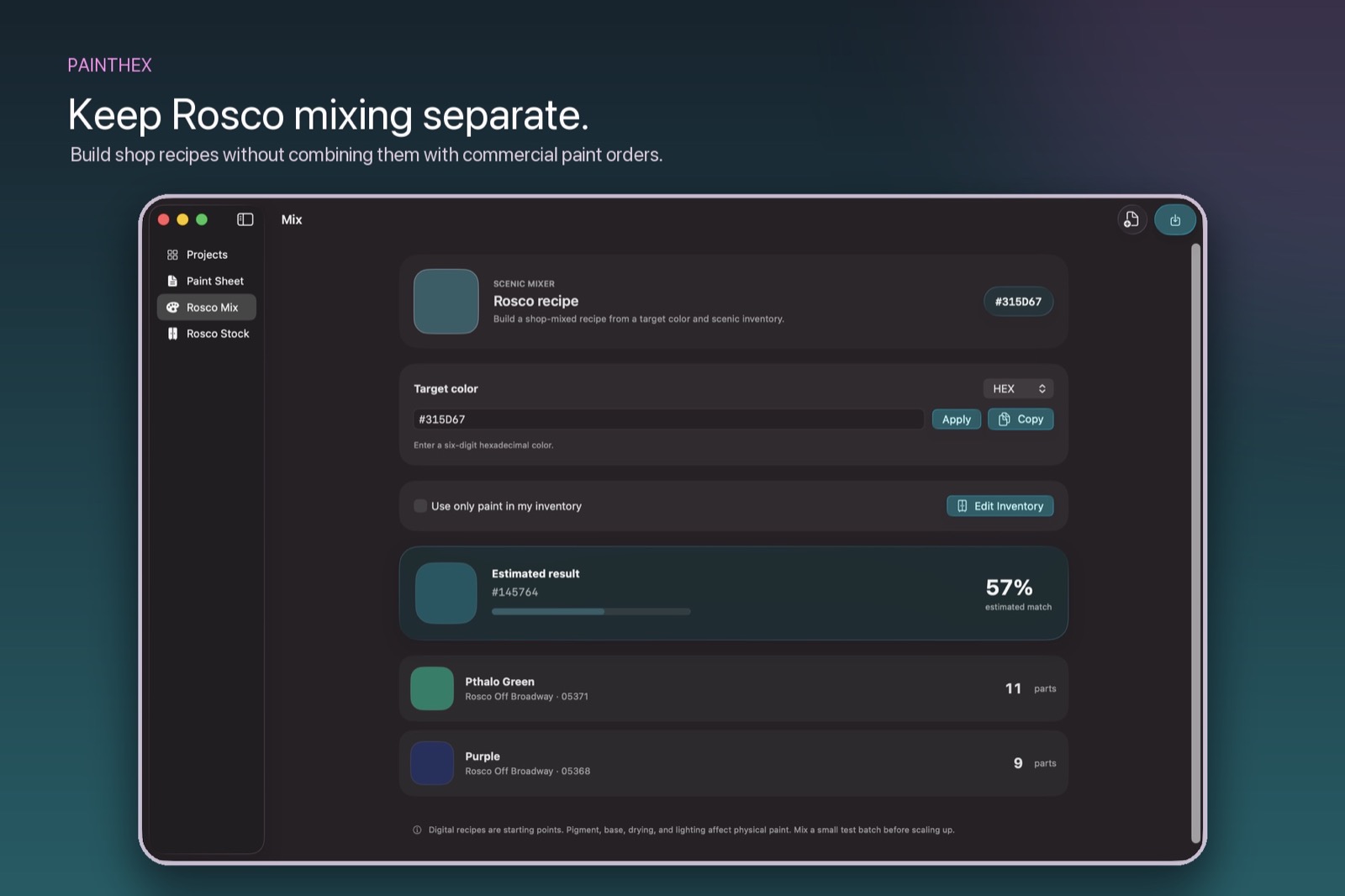
Develop suggested formulas in a dedicated Rosco workspace and limit recipes to the colors currently on the shelf. Commercial purchases and shop-mixed paint stay separate and accountable.
Inside PaintHex
Commercial matching and Rosco mixing remain separate, purpose-built workspaces. The Studio Display keeps the complete comparison visible while the MacBook carries the same project into the shop.
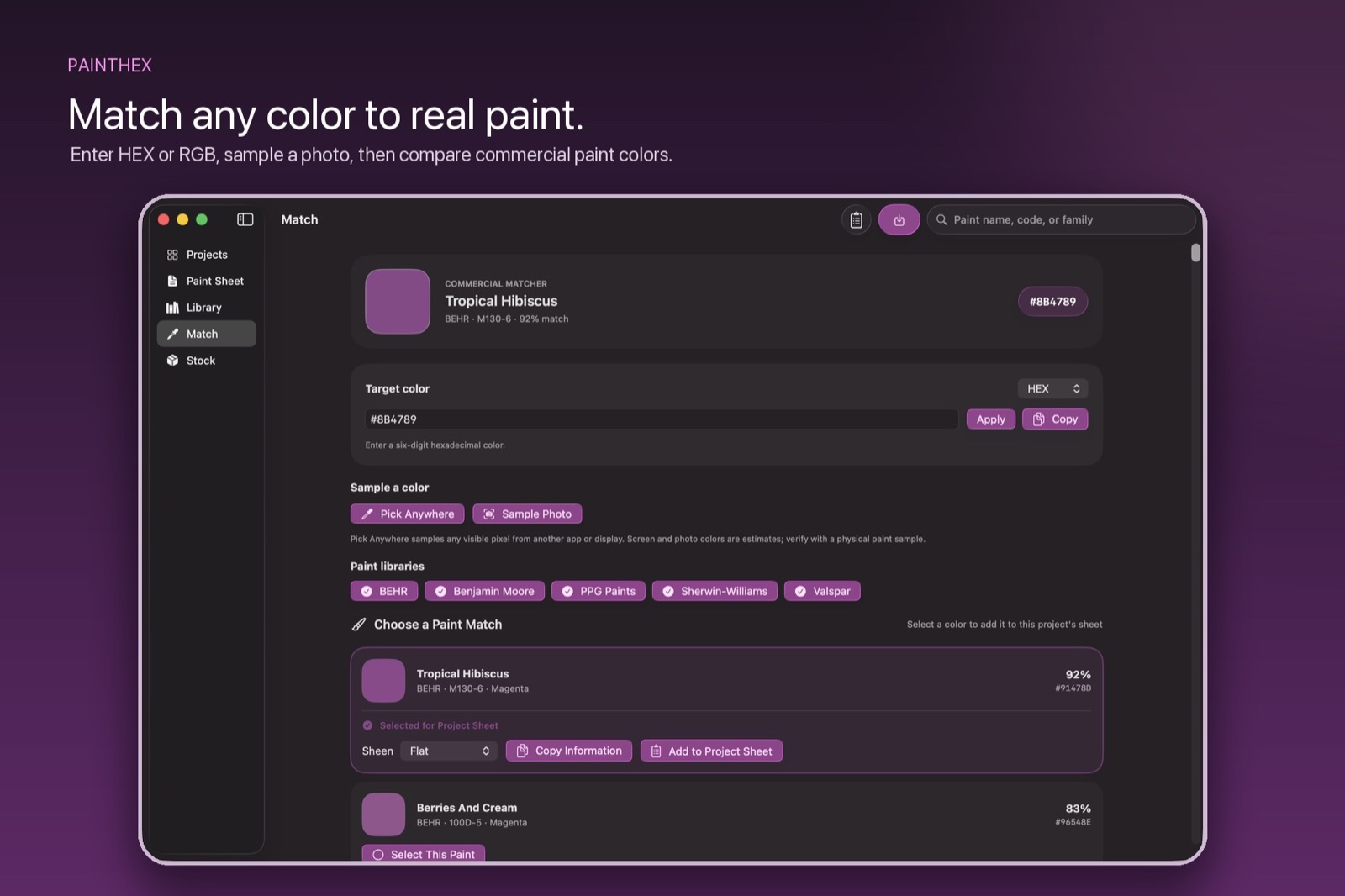
Commercial matching
Search 13,996 bundled colors from BEHR, Benjamin Moore, PPG Paints, Sherwin-Williams, and Valspar. Review the strongest matches, then save the official product information beside the scenic label your team uses.
The handoff
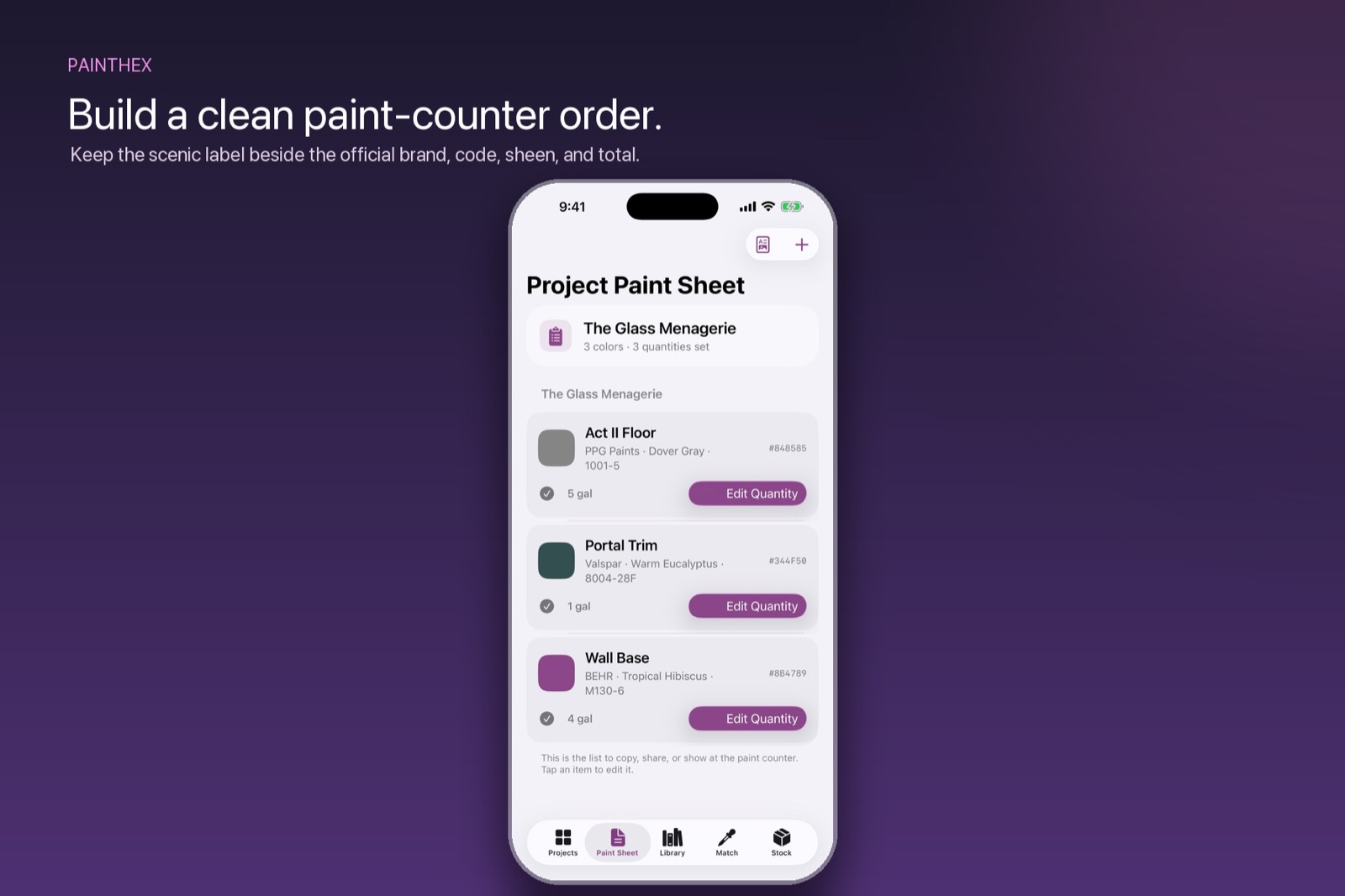
Place official manufacturer names and codes beside scenic labels, sheen, quantities, and notes. Enter a known amount or estimate from surface area, coats, coverage, waste, and openings, then export a clear PDF for purchasing and production.
Rosco shop mixing
Develop an Off Broadway formula, limit it to available inventory, scale it to the quantity required, and save the result with the project. The recipe remains available for notes, adjustments, and the next batch.
Every digital match is a starting point. Mix, dry, and evaluate a physical sample under the intended production light before committing to the final color.
The project stays together
Compare against BEHR, Benjamin Moore, PPG Paints, Sherwin-Williams, and Valspar libraries.
Pair official names and codes with scenic labels, sheen, quantities, notes, and a clean PDF.
Estimate paint from surfaces, coats, coverage, waste, and openings—or enter the amount you already know.
Keep purchased commercial paint and Rosco shop stock distinct, with units, locations, notes, and low-stock signals.
Designed as one project across devices
The Mac app is available now. The planned iPhone companion will bring capture and reference to the same project, with private iCloud sync and no separate PaintHex account.
Search large libraries, review matches side by side, build recipes, estimate quantities, and prepare the handoff.
Sample a photograph, add a field note, check stock, and keep the current paint sheet close while the work is being made.